My Personal Website
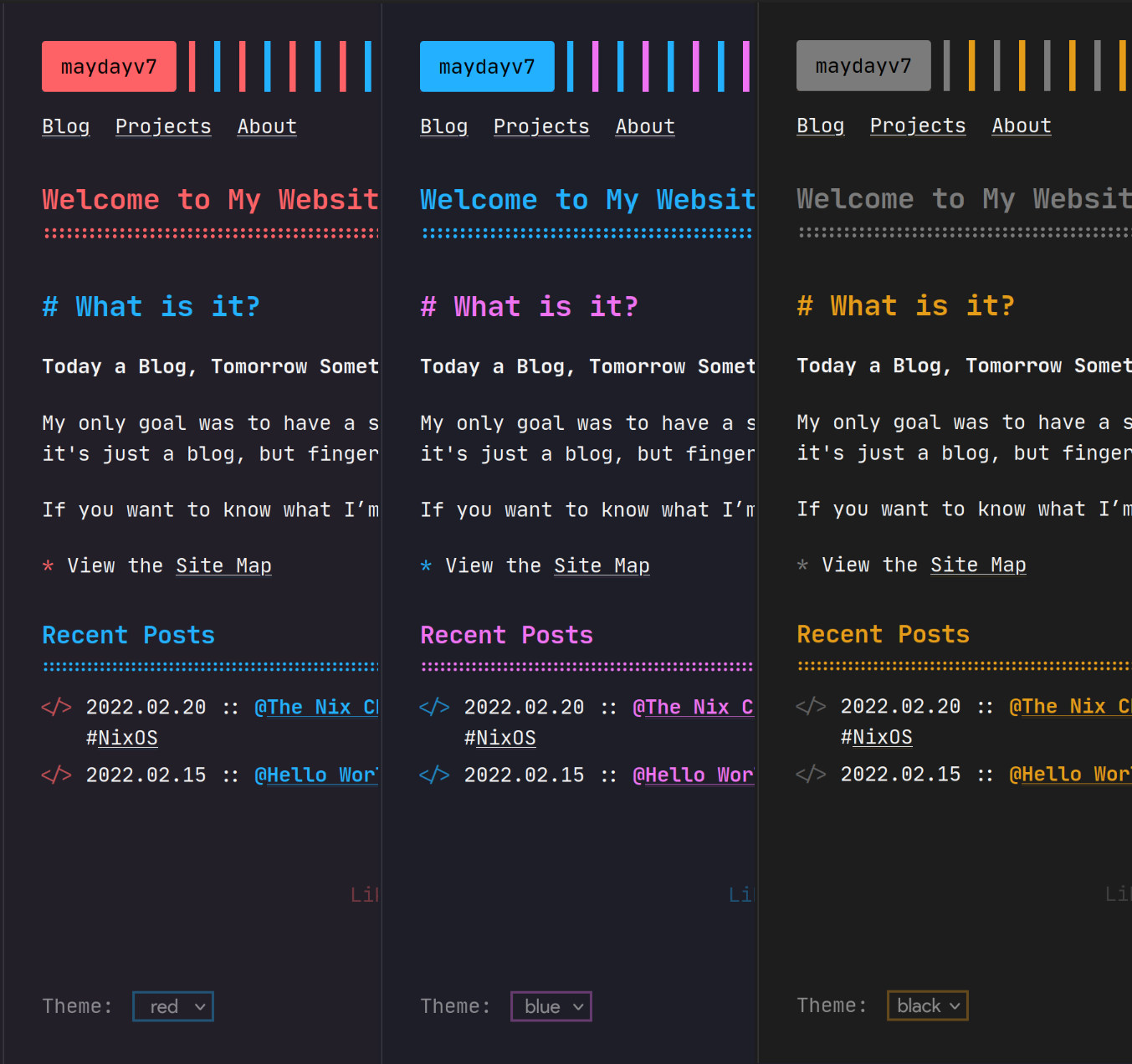
Built with Zola
Deployed via Nix and Cloudflare
Hosted at maydayv7.dev
Build
You can grab all the required dependencies using nix develop github:maydayv7/dotfiles#website or nix-shell
For testing, run the following commands:
zola -r site check
zola -r site serve
Then click here
To build the site, run nix build .#website.
The build also subsets webfonts, retaining text glyphs, ligatures, and Nerd icons referenced by generated HTML/CSS/JS.
To produce the same optimized assets from the site development shell:
cd site
zola build
python3 scripts/optimize_fonts.py public
To override the URL, run:
nix build --impure --expr 'with (builtins.getFlake (toString ../.)).legacyPackages.x86_64-linux; callPackage ./site { site = "URL"; }'
Continuous Integration
GitHub Actions is used to automatically build the site and deploy it to Cloudflare
Features
git Site
The git directory contains the configuration for my static git frontend, hosted at git.maydayv7.dev
It is built using stagit to generate static HTML pages for my repositories
Build
To build it, run nix run .#gitsite
GitHub Actions is used to automatically build the site and deploy it every week
For testing, run the following commands:
PREVIEW=$(mktemp -d)
nix run .#gitsite -- "$PREVIEW/site" .
python3 -m http.server 1112 --bind 127.0.0.1 --directory "$PREVIEW/site"
Then click here
1## My Personal Website
2
3[](https://maydayv7.dev)
4
5Built with [Zola](https://www.getzola.org/)
6Deployed via [Nix](https://nixos.org/) and [Cloudflare](https://www.cloudflare.com/)
7Hosted at [maydayv7.dev](https://maydayv7.dev)
8
9### Build
10
11You can grab all the required dependencies using `nix develop github:maydayv7/dotfiles#website` or `nix-shell`
12
13For testing, run the following commands:
14
15```
16zola -r site check
17zola -r site serve
18```
19
20Then click [here](http://localhost:1111)
21
22To build the site, run `nix build .#website`.
23The build also subsets webfonts, retaining text glyphs, ligatures, and Nerd icons referenced by generated HTML/CSS/JS.
24
25To produce the same optimized assets from the `site` development shell:
26
27```sh
28cd site
29zola build
30python3 scripts/optimize_fonts.py public
31```
32
33To override the URL, run: <pre><code>nix build --impure --expr 'with (builtins.getFlake (toString ../.)).legacyPackages.x86_64-linux; callPackage ./site { site = "<b><i>URL</i></b>"; }'</code></pre>
34
35#### Continuous Integration
36
37[`GitHub Actions`](../.github/workflows/website.yml) is used to automatically build the site and deploy it to Cloudflare
38
39### Features
40
41- [x] Pagination
42- [x] Categories
43- [x] Social Links
44- [x] Search
45- [x] Analytics
46- [x] Comments using [Disqus](https://disqus.com/)/[Giscus](https://giscus.app/)
47- [x] Theme Switcher
48- [x] Syntax Highlighting Theme
49- [x] [KaTeX](https://katex.org/) Support -
50 - Inline : `\\( \KaTeX \\)` / `$ \KaTeX $`
51 - Block-Style : `\\[ \KaTeX \\]` / `$$ \KaTeX $$`
52- Shortcodes -
53 - [x] URL : <code>{{ url(path="<b>LINK</b>", text="<b>NAME</b>") }}</code>
54 - [x] Image : <code>{{ image(src="<b>PATH</b>", alt="<i>Alternative Text</i>", position="<i>left</i>", style="<i>border-radius: 8px;</i>") }}</code>
55 - [x] Figure : Extends Image - <code>{{ figure(caption_position="<i>left</i>", caption="<b>CAPTION</b>", caption_style="<i>font-weight: bold;</i>") }}</code>
56 - [x] GitHub : Star Count - <code>{{ github(repo="<b>USER</b>/<b>NAME</b>") }}</code>
57 - [x] YouTube : Embed Video - <code>{{ youtube(id="<b>ID</b>") }}</code>
58
59## `git` Site
60
61The [`git`](./git) directory contains the configuration for my static `git` frontend, hosted at [git.maydayv7.dev](https://git.maydayv7.dev)
62It is built using [`stagit`](./git/stagit) to generate static HTML pages for my repositories
63
64### Build
65
66To build it, run `nix run .#gitsite`
67[`GitHub Actions`](../.github/workflows/website-git.yaml) is used to automatically build the site and deploy it every week
68
69For testing, run the following commands:
70
71```sh
72PREVIEW=$(mktemp -d)
73nix run .#gitsite -- "$PREVIEW/site" .
74python3 -m http.server 1112 --bind 127.0.0.1 --directory "$PREVIEW/site"
75```
76
77Then click [here](http://localhost:1112)